GiveLink's MCP Server: The First Fundraising Platform Built for AI Agents
GiveLink ships the first MCP server in nonprofit fundraising. Your AI assistant can now query donors, create campaigns, check analytics, and draft thank-yous — all in one conversation.

On this page
Every nonprofit fundraising platform has an API. Most of them were designed in 2010 and haven't been meaningfully updated since.
GiveLink is different. We built a developer platform from the ground up — and today we're announcing the first MCP server in nonprofit fundraising. If that acronym doesn't mean anything to you yet, it will.
What MCP Is (In Plain English)
MCP stands for Model Context Protocol. It's an open standard — created by Anthropic and adopted across the AI industry — that lets AI assistants talk directly to software tools. Think of it as a universal adapter that lets any AI assistant plug into any service.
Before MCP, if you wanted your AI assistant to check your fundraising data, you'd have to copy-paste numbers from a dashboard into a chat window. With MCP, your AI assistant can query that data directly, in real time, as part of a natural conversation.
It's the difference between "let me look that up for you" and "I already know."
What GiveLink's MCP Server Enables
When you connect your AI assistant to GiveLink's MCP server, your assistant can:
- Query donor data — "Show me all donors who gave more than $500 last year but haven't given this year"
- Check campaign pacing — "Is our annual appeal on track to hit goal?"
- Pull analytics — "What's our donor retention rate compared to last quarter?"
- Create campaigns — "Set up a year-end giving campaign with a $50,000 goal"
- Draft communications — "Write a re-engagement email to lapsed donors based on their giving history"
- Process donations — "Record a $1,000 offline donation from the Johnson Foundation"
- Manage recurring gifts — "Which monthly donors have had failed payments this month?"
All of this happens inside a conversation. No switching between tabs. No exporting CSVs. No learning a new interface.
What This Looks Like in Practice
Here's a real scenario. It's 8 AM on a Tuesday, and you're preparing for a board meeting:
You: "How's our Q2 fundraising tracking against Q1?"
Your AI assistant (connected to GiveLink via MCP): "Q2 total is $127,400 through June 15, compared to $118,200 at the same point in Q1 — that's 7.8% ahead. Your annual appeal is driving most of the growth. However, your mid-level donor segment ($500-$999) is down 12% in retention. I can draft a targeted re-engagement email for that segment if you'd like."
You: "Yes, draft that email. And pull the board report data while you're at it."
Your AI assistant: "Done. I've drafted a personalized re-engagement email based on each donor's specific giving history and interests. I've also pulled your Q2 board report data — total raised, donor count by segment, campaign performance, and retention metrics. Want me to format it as a PDF?"
That entire interaction — which would normally take 2-3 hours of dashboard navigation, data export, and manual email writing — happened in under a minute.
Why This Matters for Nonprofits
Nonprofits are chronically understaffed. The average development team has 1-2 people managing hundreds or thousands of donor relationships. Every hour spent wrestling with software is an hour not spent building relationships.
MCP changes the math. When your AI assistant can directly access your fundraising data, the bottleneck shifts from "finding information" to "deciding what to do with it." And when that same assistant can take action — create a campaign, draft an email, update a record — the entire workflow compresses.
This isn't hypothetical. This is how AI-native fundraising works.
How GiveLink Compares to Legacy Platforms
The fundraising software industry has a developer experience problem:
- Blackbaud — SOAP APIs designed in 2008. XML payloads. Rate limits measured in requests per day, not per minute. Most integrations require a certified consultant.
- DonorPerfect — XML-based API with limited endpoints. No real-time webhooks. Building an integration feels like time travel to 2005.
- Bloomerang — A REST API exists, but it's minimal. No webhook support. No SDK. No MCP server. No sandbox environment.
- Fundraise Up / Givebutter — Modern UI, but limited API access. Built for end users, not developers or AI agents.
GiveLink was built with developers and AI agents as first-class citizens:
| Capability | GiveLink | Legacy Platforms |
|---|---|---|
| MCP Server | Yes — native AI agent integration | None |
| REST API | 124+ tRPC procedures, full TypeScript types | SOAP/XML or limited REST |
| TypeScript SDK | npm install @givelink/sdk | Java/.NET or nothing |
| Webhooks | HMAC-signed, real-time | Polling or basic HTTP |
| Rate Limits | 600 req/min authenticated | 50-100 req/day |
| Sandbox | Full sandbox environment | Production-only or limited |
| Auth | OAuth + Bearer tokens | API keys (some rotating, some not) |
If you're building an integration, automating a workflow, or connecting an AI agent to fundraising data — GiveLink is the only platform that was designed for this from day one.
The Full Developer Platform
The MCP server is the headline, but it's part of a complete developer platform:
REST API — 124+ procedures covering campaigns, donations, donors, events, memberships, reports, and more. Full TypeScript types. Cursor and page-based pagination. 600 requests per minute authenticated.
TypeScript SDK — Type-safe client library with automatic retry, rate limiting, and error handling. Install with npm install @givelink/sdk and start building.
HMAC-Signed Webhooks — Real-time event notifications for donations, campaigns, donors, and more. Every webhook is signed so you can verify it came from GiveLink.
OAuth — Standard OAuth flow for third-party integrations. Your users authorize access, you get scoped tokens.
Sandbox Environment — Full sandbox with test data. Build and test without touching production.
For full documentation, visit docs.givelink.ai.
Who Should Care About This
Nonprofit technology teams who want to connect GiveLink to their existing tools — CRM, marketing automation, accounting, or custom dashboards.
Agencies and consultants building solutions for nonprofit clients. GiveLink's API is the fastest path from "custom requirement" to "working integration."
AI-forward organizations that are already using AI assistants and want to extend them into fundraising. Connect your AI tool to GiveLink's MCP server and your assistant becomes a fundraising analyst.
Developers building on nonprofit infrastructure. If you're creating a product that touches donations, donor data, or campaign management, GiveLink's API is the foundation.
Get Started
GiveLink's developer platform is available to all organizations. The MCP server, REST API, TypeScript SDK, and webhooks are included at every pricing tier — no additional cost.
Ready to build? Read the API documentation or explore the developer platform.
Want to see GiveLink in action first? Join the waitlist — we'll reach out when your account is ready.
More from product
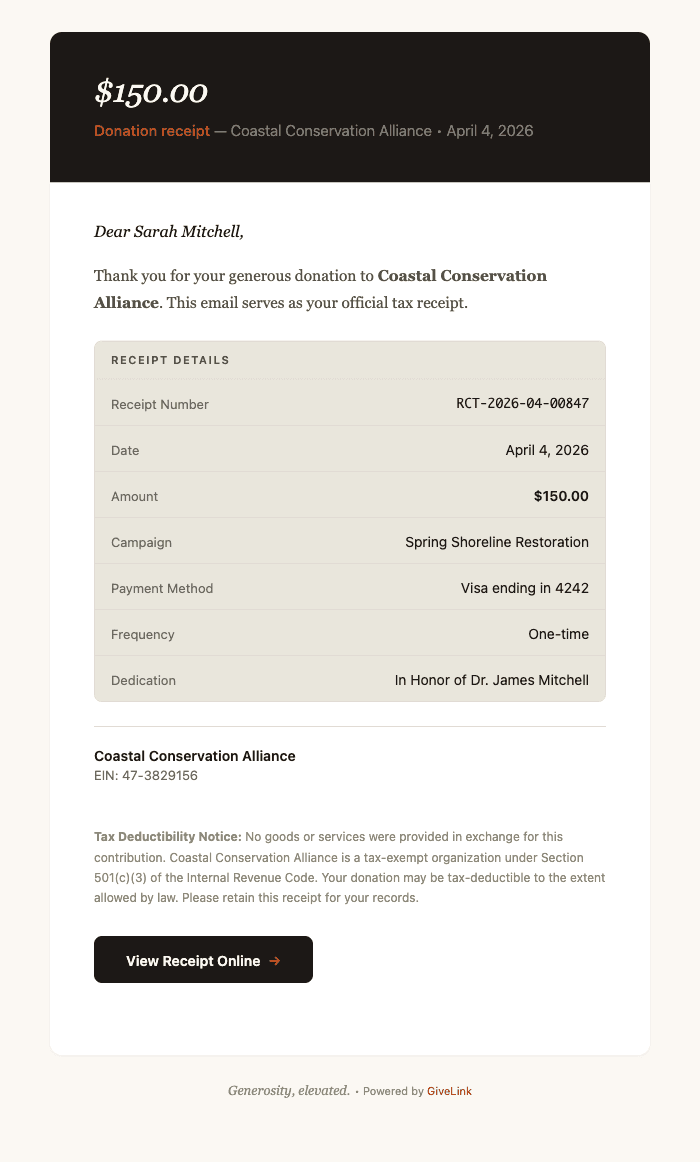
Why Your Fundraising Emails Look Like They Were Sent by a Robot (And Why We Fixed Ours)
Most nonprofit platforms treat email as an afterthought — generic templates that undermine the trust you've spent years building. We built a unified design system for every email GiveLink sends, because every touchpoint is a brand moment.
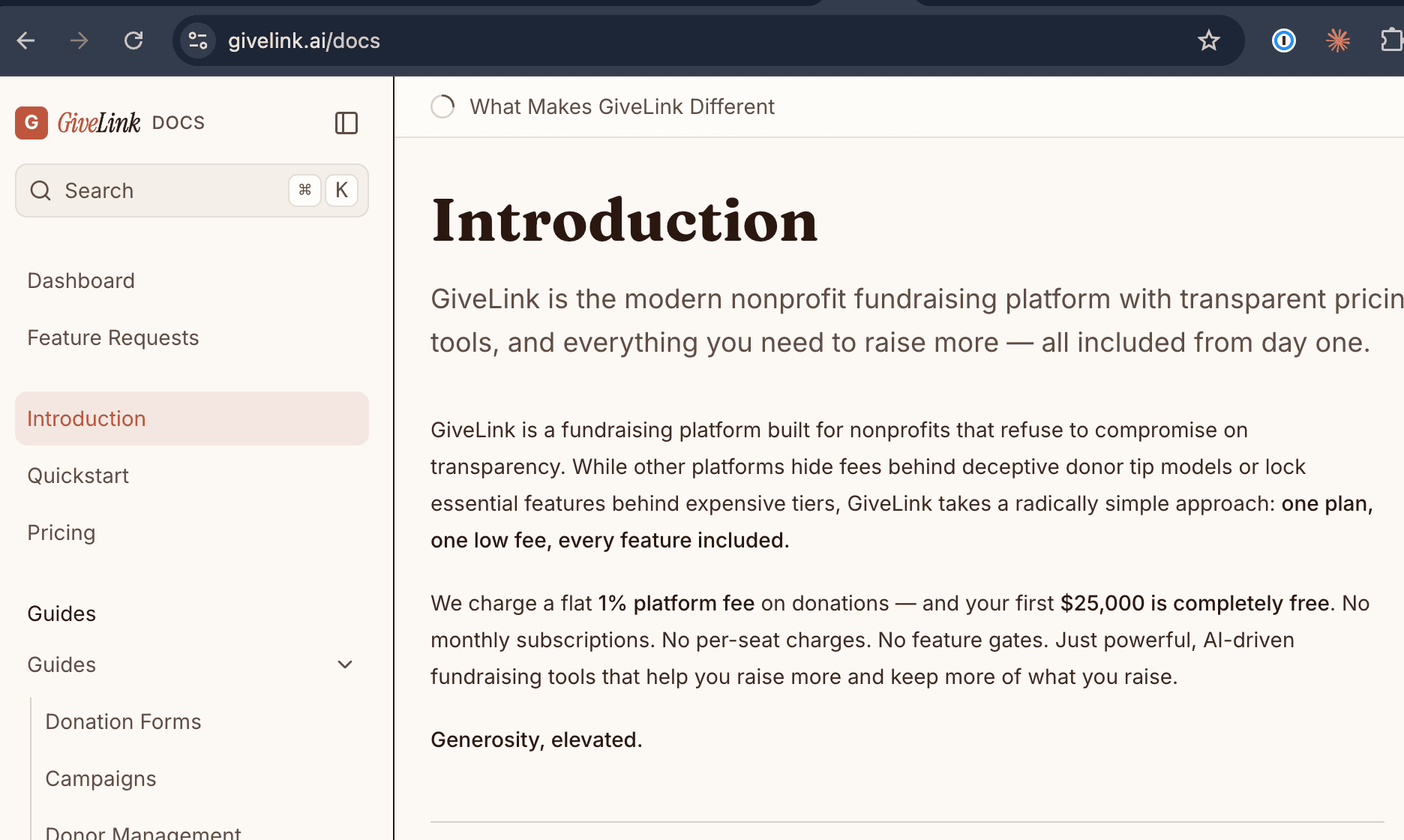
Introducing GiveLink Docs: The Most Thorough Documentation in Fundraising
We just launched docs.givelink.ai — an AI-native documentation site that sets a new standard for fundraising platform docs. Here's what makes it different.

Welcome to the GiveLink Blog
We're launching a blog to share what we're building, why we're building it, and what we're learning along the way.